
User-first case: what you actually get out of three lenses
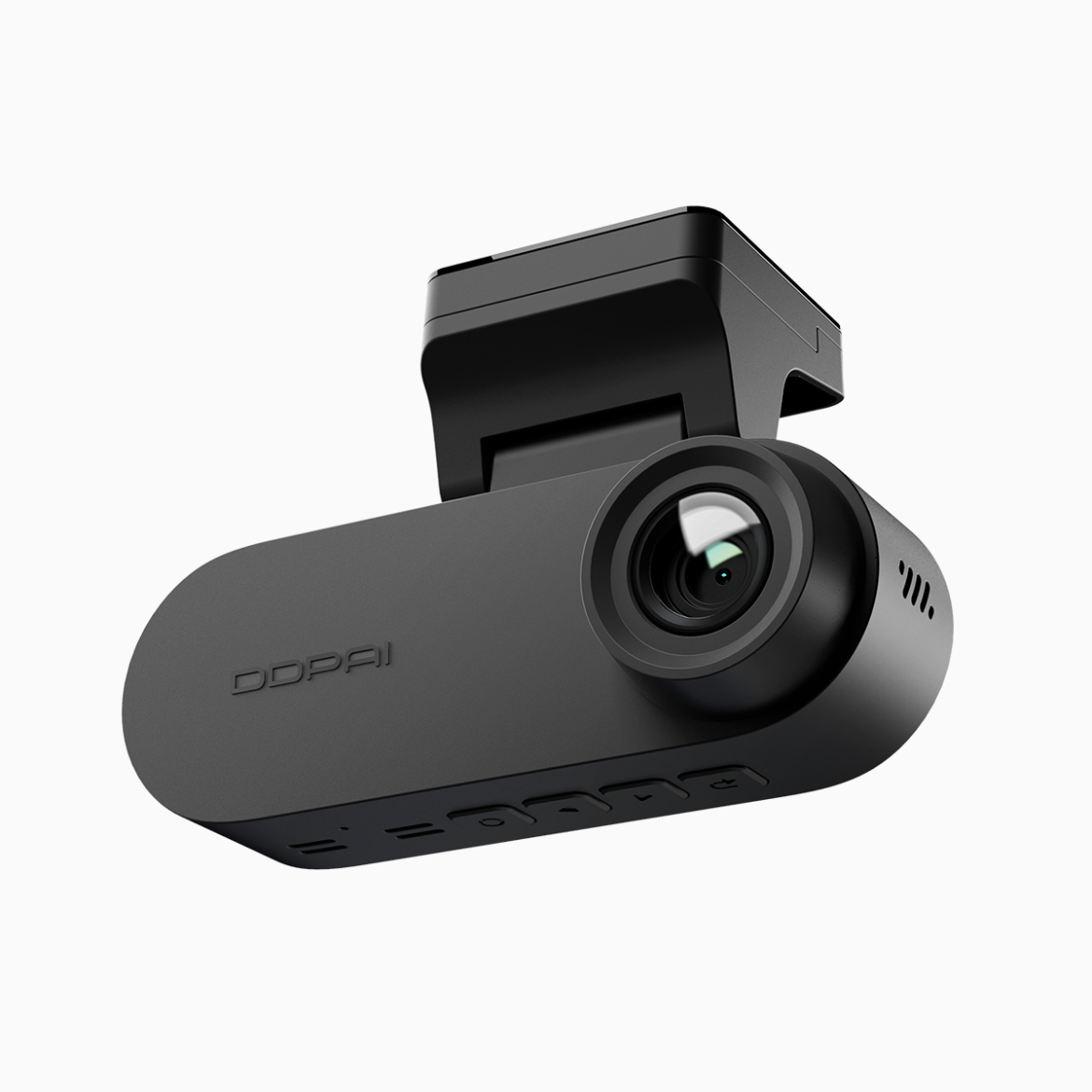
If you drive in dense traffic or park on crowded streets, a 3-lens setup turns vague memories into clear evidence. The obvious play is coverage: front, rear and interior or wide-side views that catch what a single camera misses. For drivers who archive trips or defend against false claims, a dedicated front and rear dash cam plus an inward-facing module means you don’t just record incidents — you document context. That matters during claims, police interactions, or when you need to present a timeline to family or fleet managers.
Concrete wins from real roads
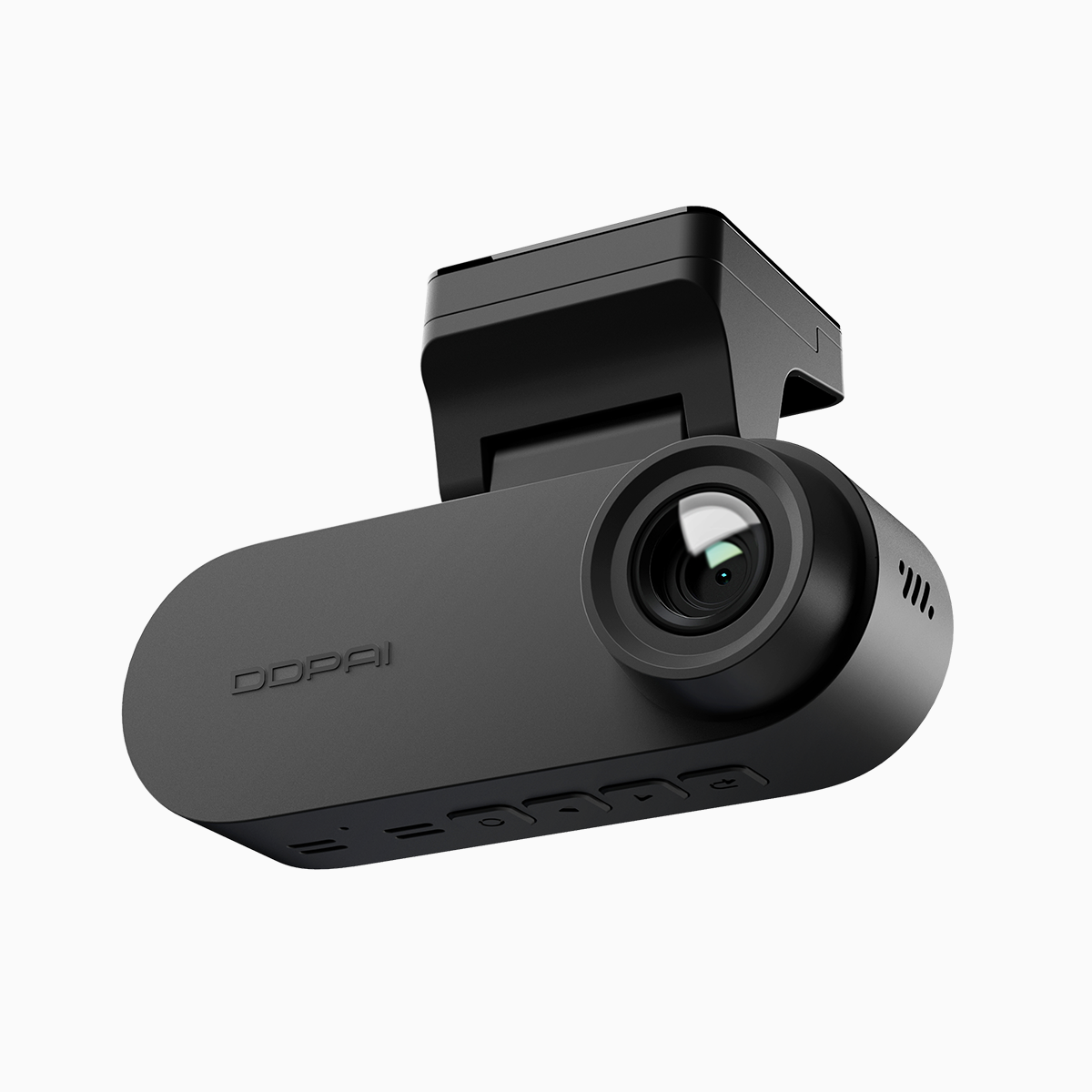
Users report faster claim resolutions and fewer disputed outcomes when video exists; on crowded routes like Metro Manila’s EDSA, footage often settles arguments on the spot. Practically, that translates to less downtime and fewer sleepless nights after a bump. A well-tuned 3-lens rig functions like event logging: it timestamps, logs G-sensor triggers, and stores loop recording segments so you never lose the clip that matters.
Tech breakdown — what actually affects footage quality
Not all triple-lens systems are equal. Focus on resolution, frame rate, and HDR. Higher resolution keeps plate numbers readable at distance; a steady frame rate avoids motion blur during turns; HDR preserves detail in shadow-to-sun glare. Bitrate matters too — low bitrate looks blocky when you zoom. Also check parking mode behavior and whether the camera uses a G-sensor to auto-lock incident files.
Common user mistakes — and how to avoid them
People often undercook mounting position and power setup, which kills performance faster than a weak CPU. Mount the front unit behind the rearview mirror to minimize windshield glare. For the rear and cabin cams, aim for a neat cable run to avoid interference with airbags. Don’t cheap out on microSD speed class — slow cards fragment files. And lock down firmware updates; they patch camera bugs and improve codec handling. Simple, but critical — don’t skip the basics.
On alternatives and why dual channel isn’t always enough
A traditional dual channel dash cam gives front and rear coverage and that’s fine for many drivers. But adding the third lens solves blindside gaps and interior incidents — taxi drivers, rideshare hosts, and parents hauling kids see immediate ROI. If you want continuous situational awareness, consider a system explicitly marketed as a dual channel dash cam with an optional cabin lens; that modularity keeps costs down while letting you scale up when needed.
Installation and storage tips for long-term reliability
Use high-end microSD cards and format them in-camera before first use. Set loop recording segments to 1–3 minutes so retrieval is tidy. Calibrate time and GPS during setup — mismatched timestamps kill timelines. If you enable parking mode, verify voltage cut-off thresholds so your car battery stays healthy. Treat firmware like a game patch: install it when stable builds are available.
Choosing a 3-lens rig: user-centric checklist
Pick models that prioritize real-world usability: readable plate-level resolution, reliable HDR, robust loop recording, and clear parking mode behavior. Factor in installation: hardwire kits give true 24/7 operation; plug-and-play is great for renters. Warranty and local support matter — local service speeds up repairs and firmware fixes, and that’s not negotiable when footage is your defense.
Golden rules for smart selection
1) Prioritize evidence quality: aim for at least 1080p front and rear with HDR and >30 fps to keep details legible. 2) Power and reliability: choose hardware with proper parking mode, voltage cut-off, and proven loop recording stability. 3) Support and ecosystem: local firmware updates, warranty, and easy file export make the device usable under pressure.
Final thought: a properly chosen 3-lens dash cam shifts you from guesswork to proof, and that’s exactly the practical edge DDPAI PH systems are designed to deliver — DDPAI PH. —